
Contents
Chapter 10 · Use the platform
Components
Components is the overview of the connected components. Navigate to Components on the side menu, and you see all the connected components.
Components
Ventilation Komfovent
Verso
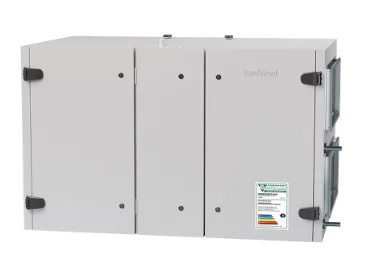
Remote Access
Central control VRF
EW-50E
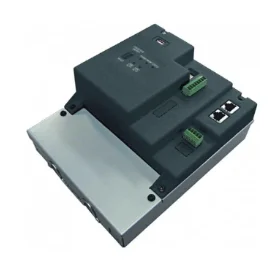
Remote Access
Demo iTM
iTM
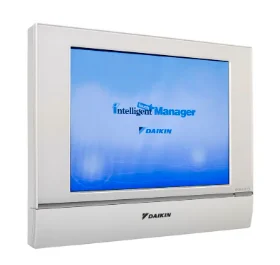
Remote Access
The component card
The circle next to the name indicates the connection status:
| Circle | Connection status |
|---|---|
| Green | The connection is okay. |
| Orange | There is an active internal alarm. Hovering over the circle displays the alarm code and description. |
| Red | There is no connection. |
If the component can be accessed remotely, and it has been configured as such during the onboarding, you can click Remote Access to access the internal settings of that component. To see which components support this, see Supported components.
Ventilation Komfovent
Verso
Remote Access
Remote Access
Clicking Remote Access opens the screen of the component, for example of the Komfovent. Use the user name and password that are configured on that component. You can use it to remotely adjust the settings.
komfovent®
Connected to Ventilation KomfoventRefreshDisconnect