
Contents
Chapter 8 · On-site onboarding
Scan the QR code
Very important: make sure the Link is powered (see Power the Link).
-
Scan the QR code. Scan the QR code you saved in Create procedure. You can use your phone.
-
The Interactive configuration page opens. There are two tabs: Rooms and Devices. Rooms is empty at first. On the Devices tab you see all the devices that have been onboarded for this installation.
Interactive configurationBuilding AHelpRoomsDevicesRooms: empty at first
Interactive configurationBuilding AHelpRoomsDevicesVerify Connection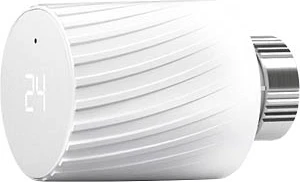 MClimateVicki • SN-0001Verify ConnectionMClimateVicki • SN-0002Configure
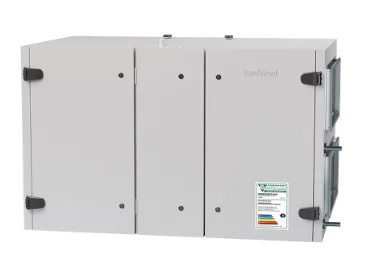 KomfoventVerso • AHU 1
Devices: all onboarded devices
The approach is different depending on whether you are connecting wireless or wired sensors: